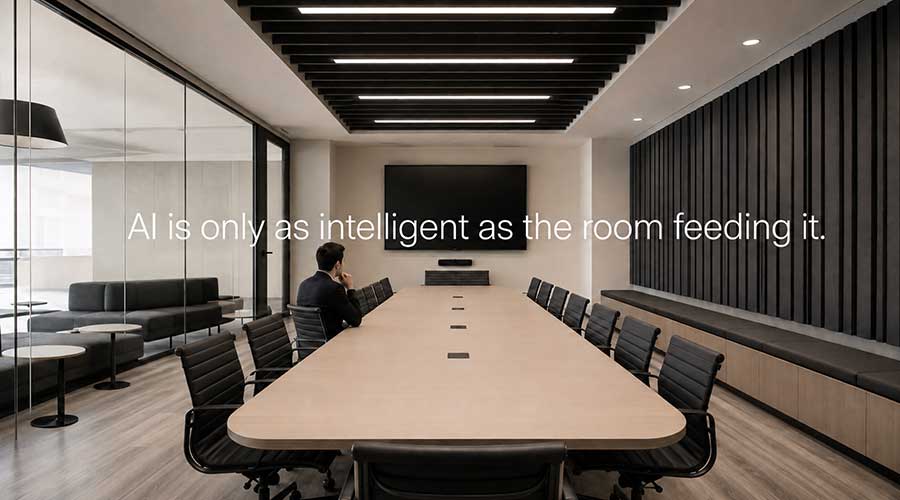
How architecture, furniture, power, pathways, lighting, acoustics, and network decisions can shape AV performance and cost before equipment is selected.
The camera has not been selected yet. Neither has the microphone, display, control system, or conferencing platform.
And some of the most important AV decisions may already have been made.
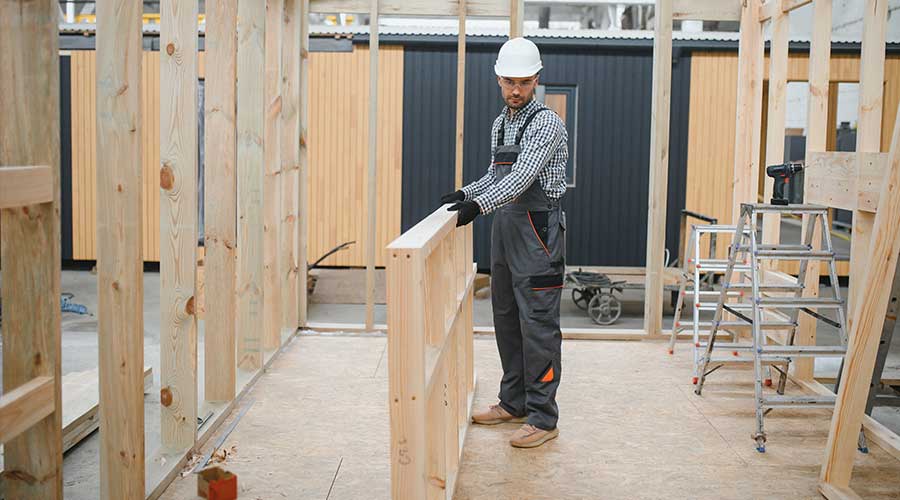
The table is specified. The ceiling is designed. Conduit is sized. Power is located. Lighting zones are set. Network drops are counted. Acoustical finishes may already have been value engineered.
None of those choices is technically an AV product. Every one of them can determine how well the finished system works, what it costs to install, and how easily it can evolve later.
on Thursday, 27 August 2026.
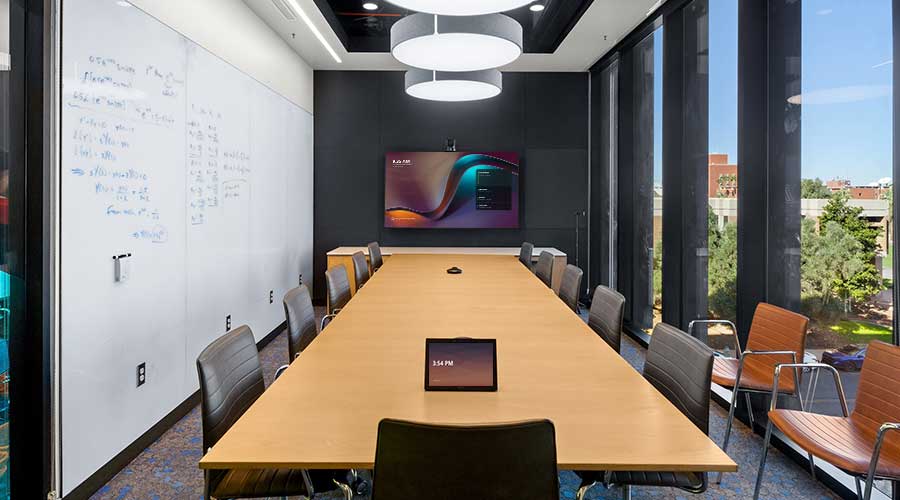
How AV lifecycle planning helps organizations forecast refresh cycles, support costs, software, and replacement before they become budget surprises.
A conference room gets approved, designed, installed, commissioned, and closed out. The project is complete. The invoices are paid. Everyone moves on.
But the technology does not.
From an operations perspective, that room has only begun generating support needs, software dependencies, user expectations, and eventually, replacement decisions.
That gap is where many AV budgets break down.
on Tuesday, 25 August 2026.
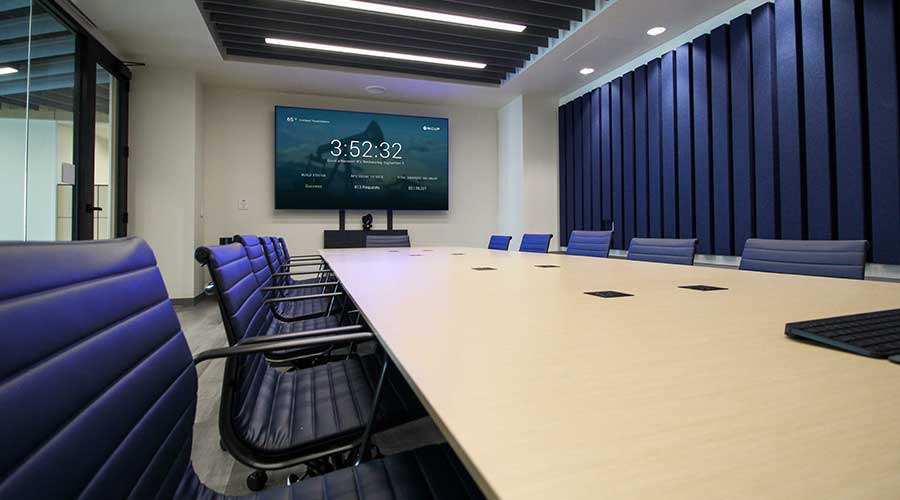
Many organizations think AI readiness starts with software.
Buy Microsoft Copilot. Enable Zoom AI Companion. Turn on automated meeting summaries. Give employees access to intelligent collaboration tools.
Done.
Except that is only half the equation.
on Thursday, 06 August 2026.
Most conference room problems do not happen because the technology is broken.
They happen because every room works a little differently.
In one room, employees launch the meeting from a touch controller. In another, they connect a laptop. The room down the hall supports wireless sharing, but only if someone remembers which application to open. Then a customer sends a Zoom invitation to a company that primarily uses Microsoft Teams, and nobody is sure whether the room can join it.
on Tuesday, 04 August 2026.
Posted in Teams Room System, Teams Rooms, Zoom Rooms
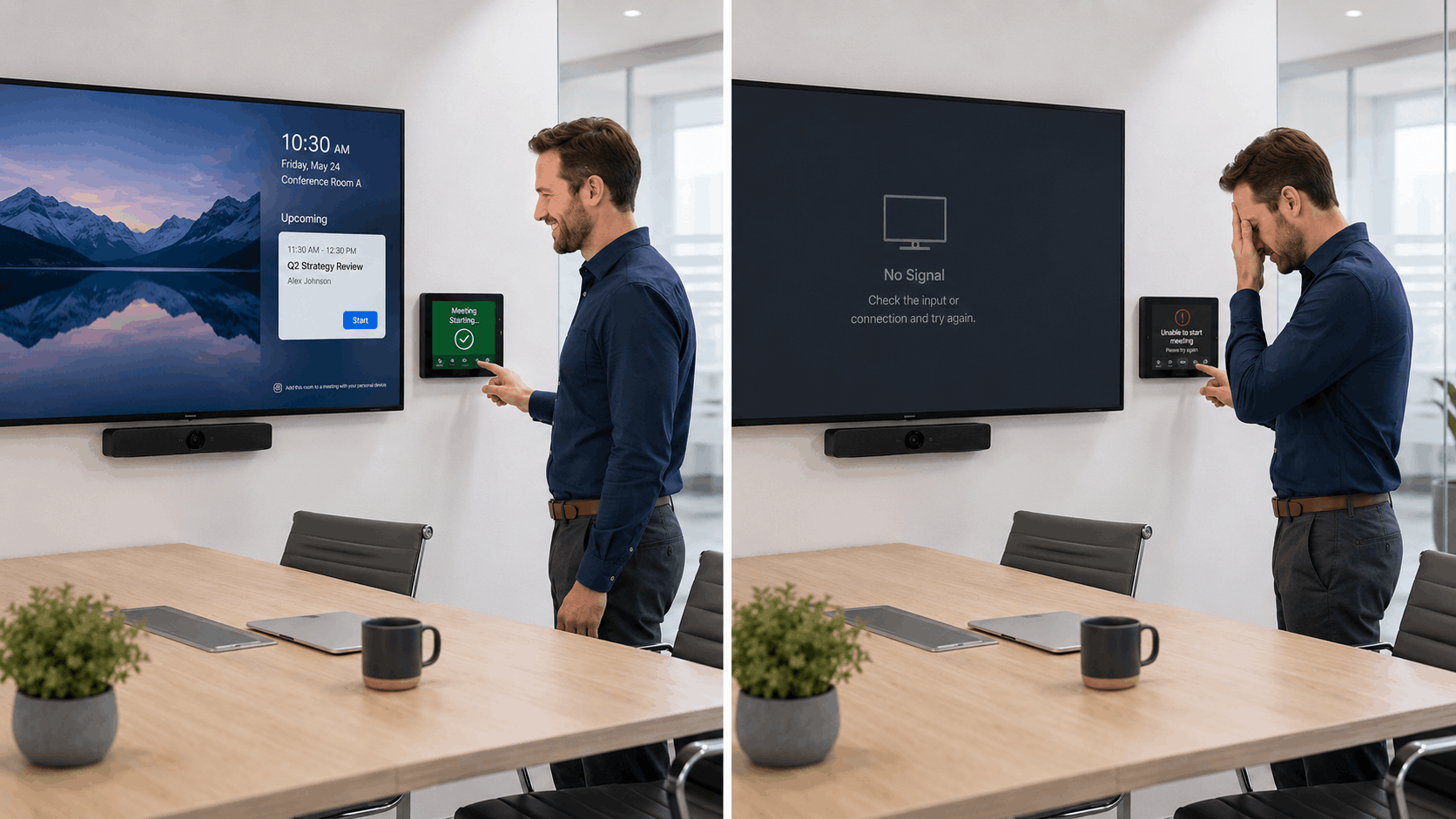
A meeting room stops working five minutes before an executive presentation.
IT confirms the network is online. Facilities verifies that the room has power. The conferencing platform appears normal. The AV provider is called, but no one is sure whether the issue falls under the current service agreement.
Everyone owns part of the room. Nobody owns the outcome.
This is the problem behind many workplace technology failures. Responsibility is divided across IT, facilities, operations, real estate, project teams, and outside vendors. Each group makes decisions that affect the room, but accountability becomes unclear when those decisions come together.
The answer is not to make one department responsible for everything. It is to give one person or team accountability for the complete experience, then clearly define how everyone else contributes.
on Thursday, 30 July 2026.
The real cost of a failed meeting room is not the equipment, it is the time lost when work stops.
A 30-minute executive call delayed by 10 minutes across 12 participants is already two hours of wasted labor. Multiply that across a week of recurring issues, and most organizations are quietly losing entire workdays to “minor” AV problems.
And yet the room still “works.”
This is the core problem with AV technical debt: it stays invisible until it becomes expensive.
The display turns on most of the time. Employees know which cable to unplug when the system freezes. IT keeps a few discontinued parts in a closet. One room uses Teams, another uses Zoom, and a third requires hunting for the right remote before a meeting can start.
Individually, these issues rarely trigger an upgrade. Together, they create a growing operational burden that compounds over time.
This is AV technical debt.
on Tuesday, 28 July 2026.
Workplace technology expectations have not decreased just because budgets are tighter.
Employees still expect meetings to start on time. Executives need reliable communication. IT teams must support aging systems, and facilities teams still hear complaints when meeting spaces do not work as expected. At the same time, organizations need collaboration environments that support productivity, training, client interactions, and decision-making.
The difference today is that there is less room for trial and error.
on Tuesday, 09 June 2026.
Most organizations have a meeting room people trust and a meeting room people avoid.
One starts quickly, sounds clear, and makes collaboration easy. The other needs a restart, an adapter, a workaround, or a call to IT before the meeting can begin.
For employees, that inconsistency is frustrating. For IT, facilities, and operations leaders, it points to a larger issue: meeting room technology has often been built, upgraded, and supported without a consistent strategy.
Over time, spaces end up with different technology, control experiences, and support requirements. One room may support Microsoft Teams natively while another requires users to join from a laptop. Some rooms support wireless sharing while others still depend on cables and adapters. Cameras, microphones, and displays may perform differently from room to room.
Each issue may seem minor on its own. Together, they create a workplace experience that feels unpredictable.
on Tuesday, 02 June 2026.
Posted in Meeting Room Solutions
 The Most Expensive AV Decisions Are Often Made Before AV Is Involved